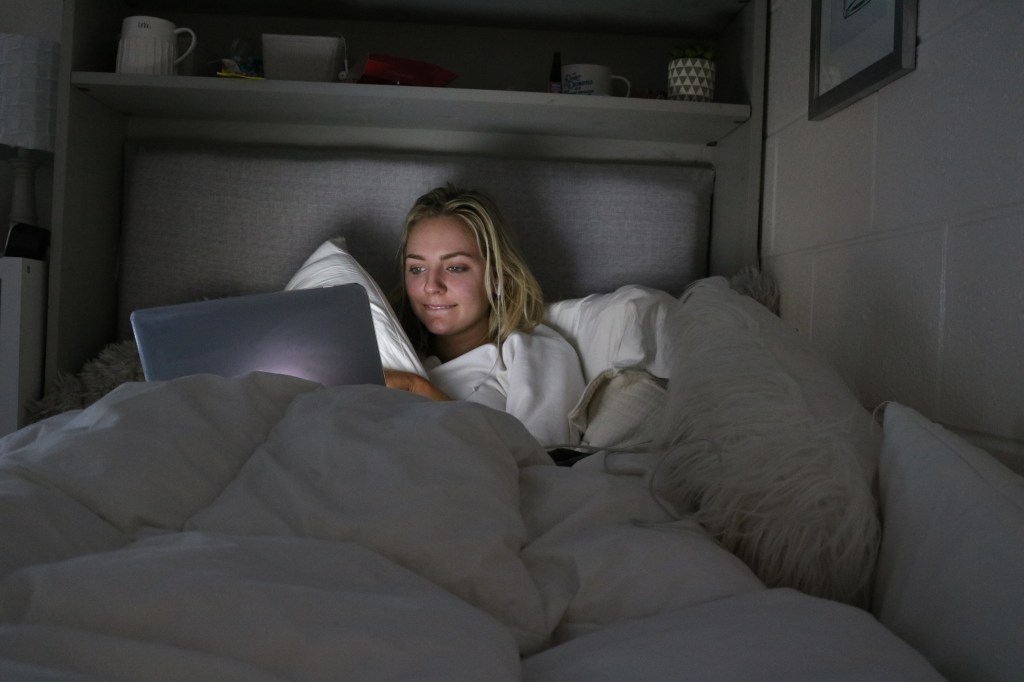
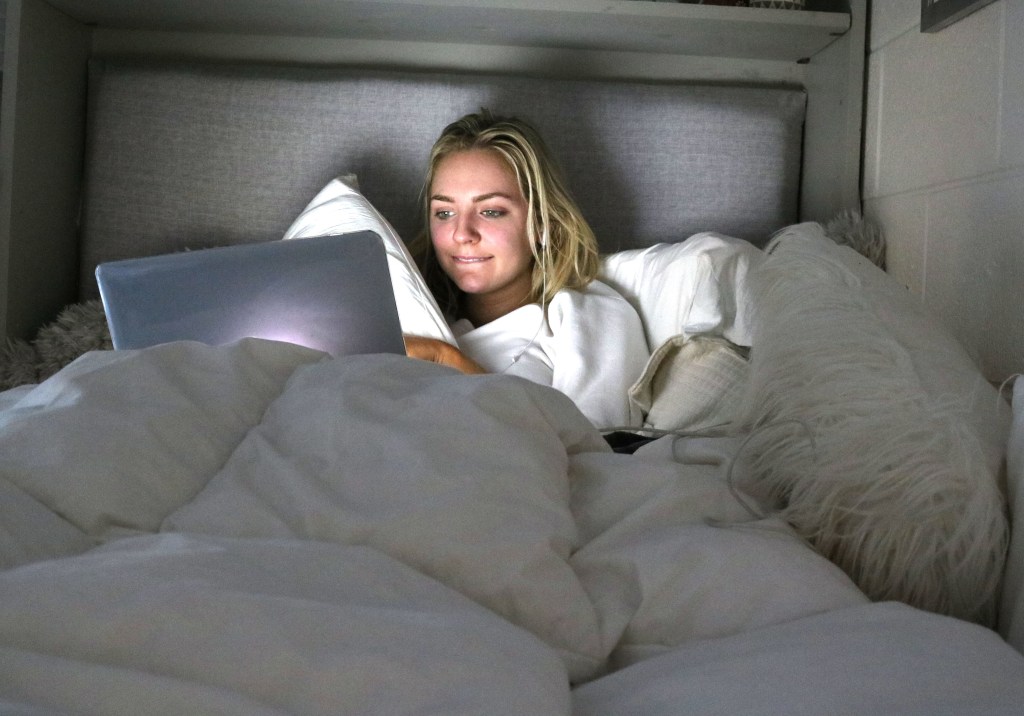
For this picture, I adjusted the levels by using the eyedropper tool on levels and selecting her white pillow to adjust the levels to that. I also decided to crop the image to make sure her face was the most important thing in the photo which I think goes well with the fact that her face is illuminated by the laptop screen. By adjusting the overall brightness of the picture, it makes it brighter and more inviting to look at.
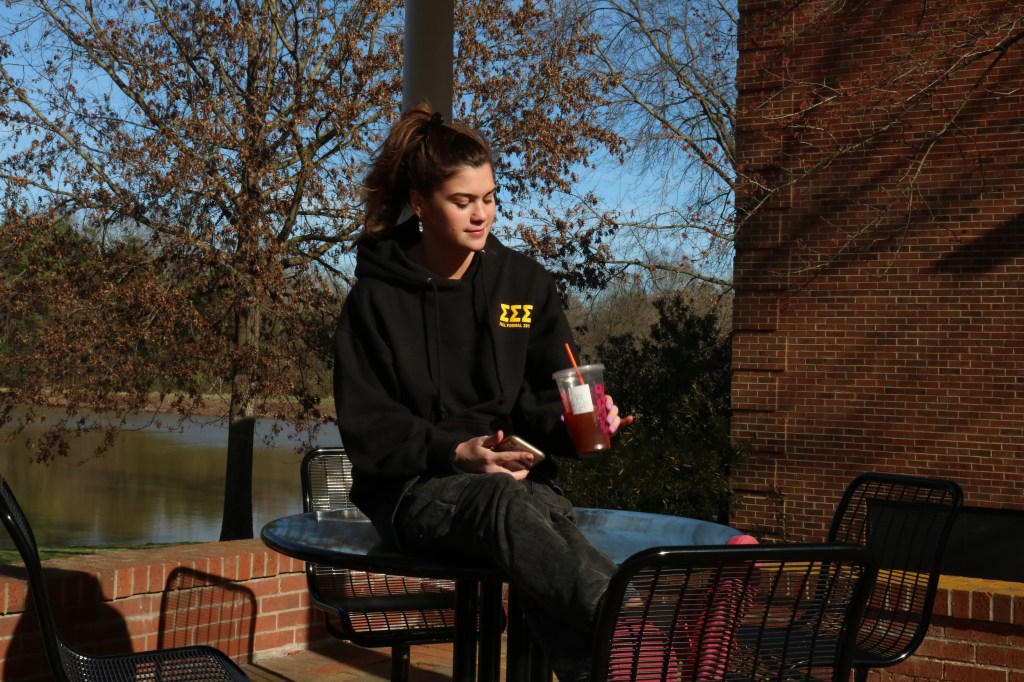
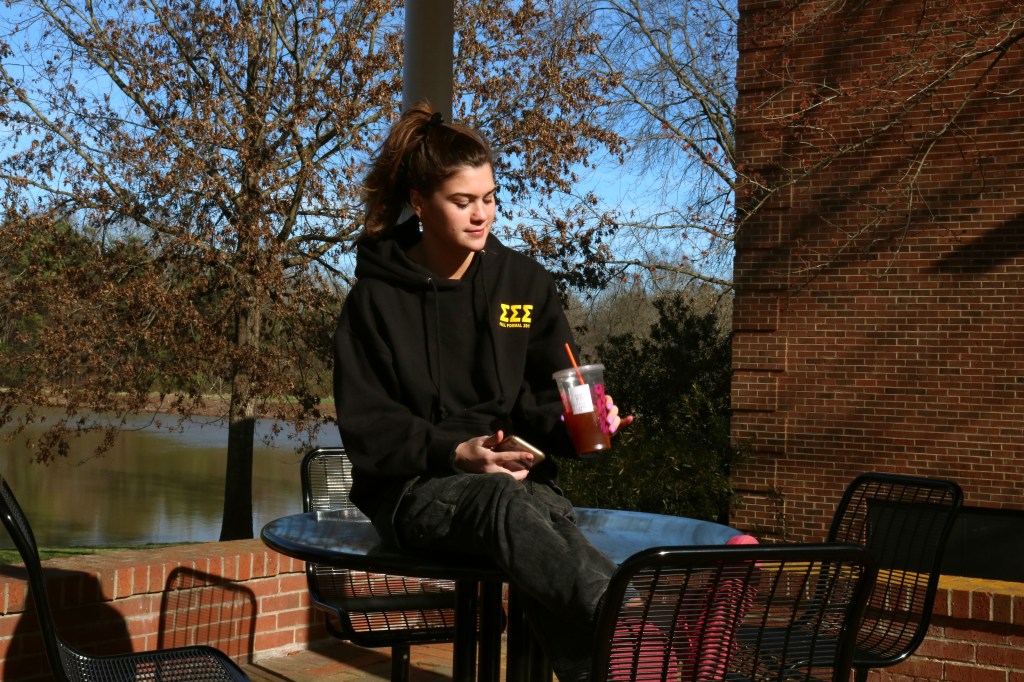
For this image, the background seemed a little dark, so I concentrated on trying to get the correct color for the scenery, without making too much of a difference to her face and body. The overall color scheme of what she is wearing is pretty dark and I didn’t want to take away from that so I adjusted the Red, Green and Blue tones on photoshop to where I was happy with the background and the subjects body.
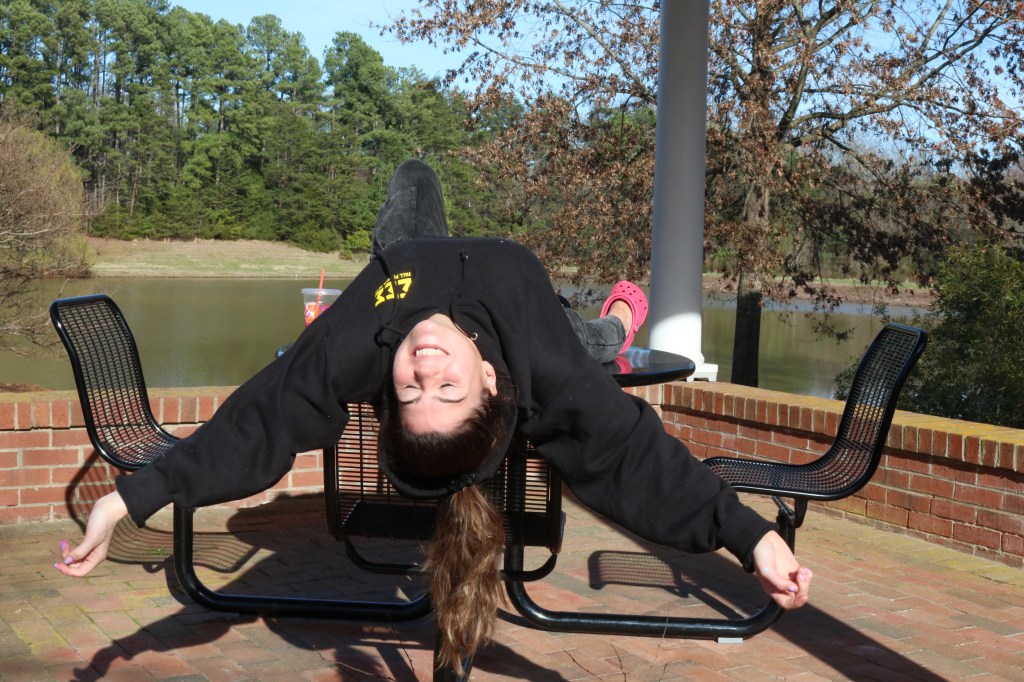
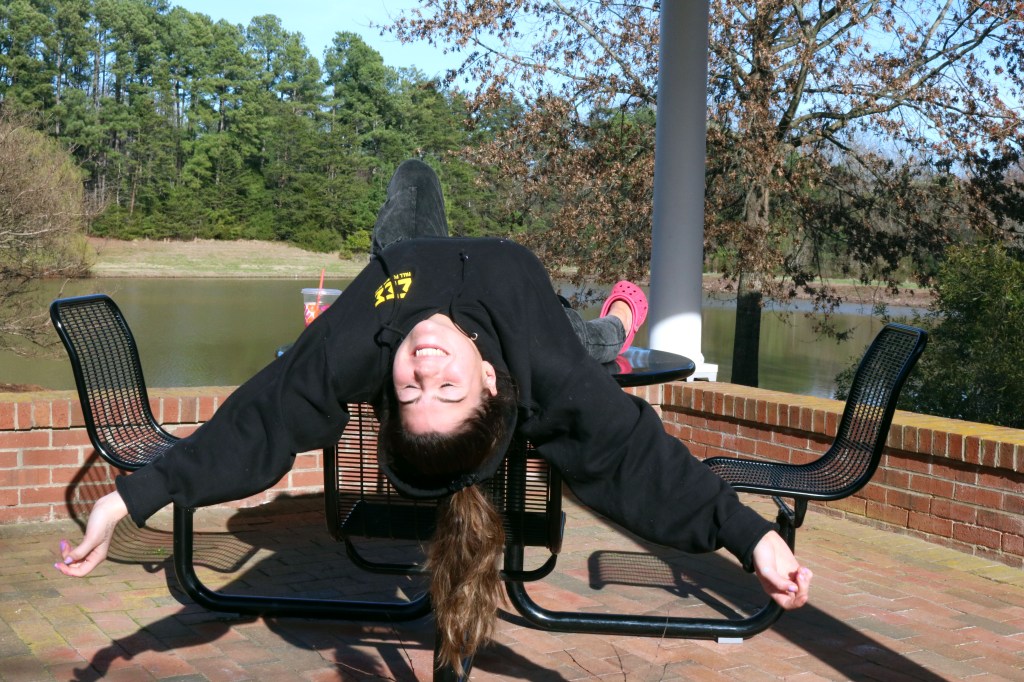
This image seemed a little washed out or over exposed at first so I fixed that by making the green and red tones heavier in photoshop. The second image is better because the background is a lot more vibrant and the green in the trees is a lot more prominent which is something I tried to focus on while I was editing.
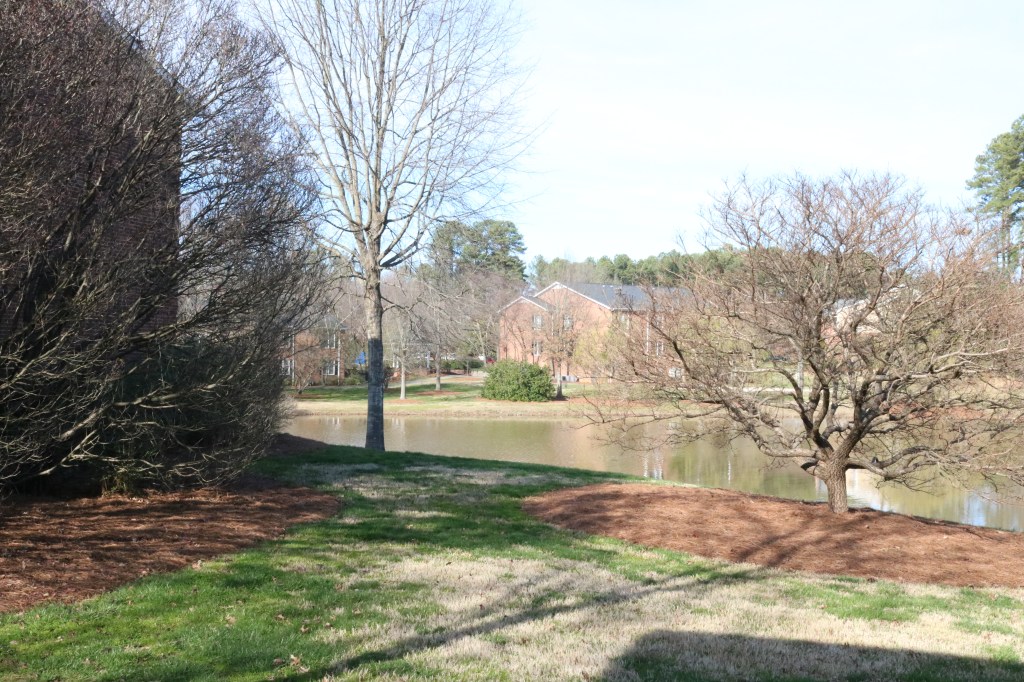
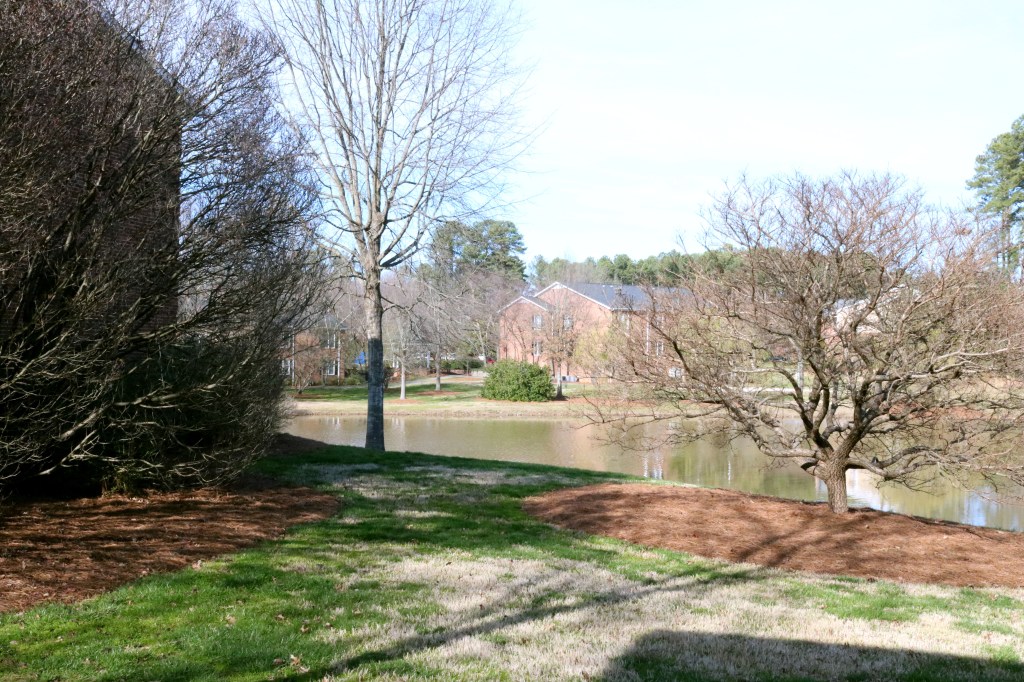
Similarly with this photo, it seemed a little washed out and over exposed so I tried to fix that by adjusting the Red, Green and Blue levels, focusing on the green in the grass seeing as some of it is already washed out from the dryness. I overall wanted to make the image slightly brighter and I think I succeeded in doing this by making the Blue and the Green tones a lot more prominent than they originally were when I shot the photograph.
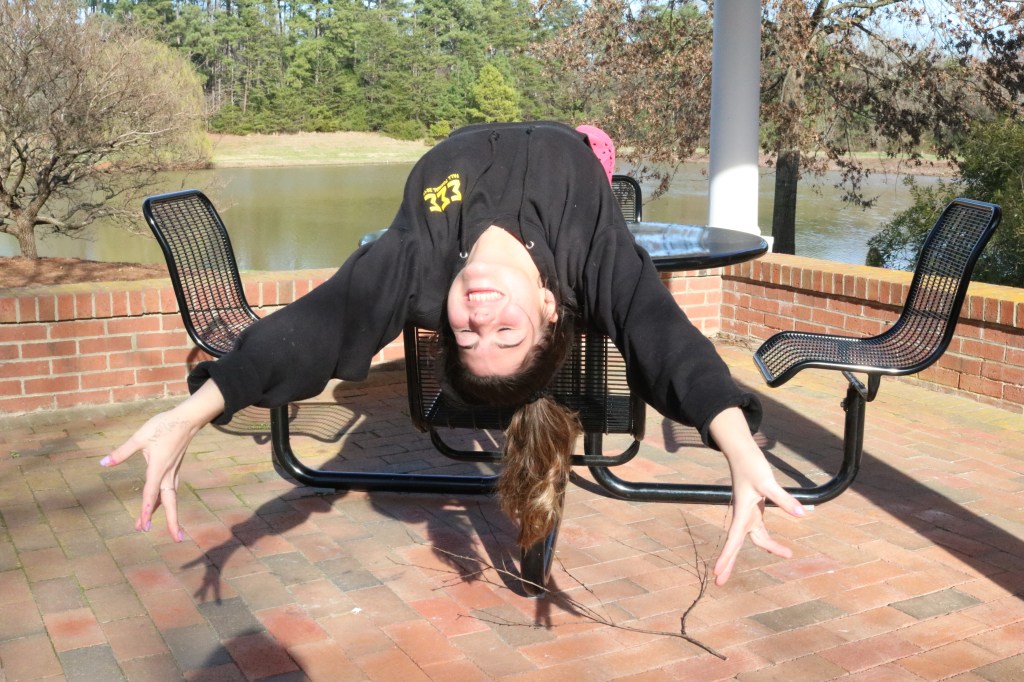
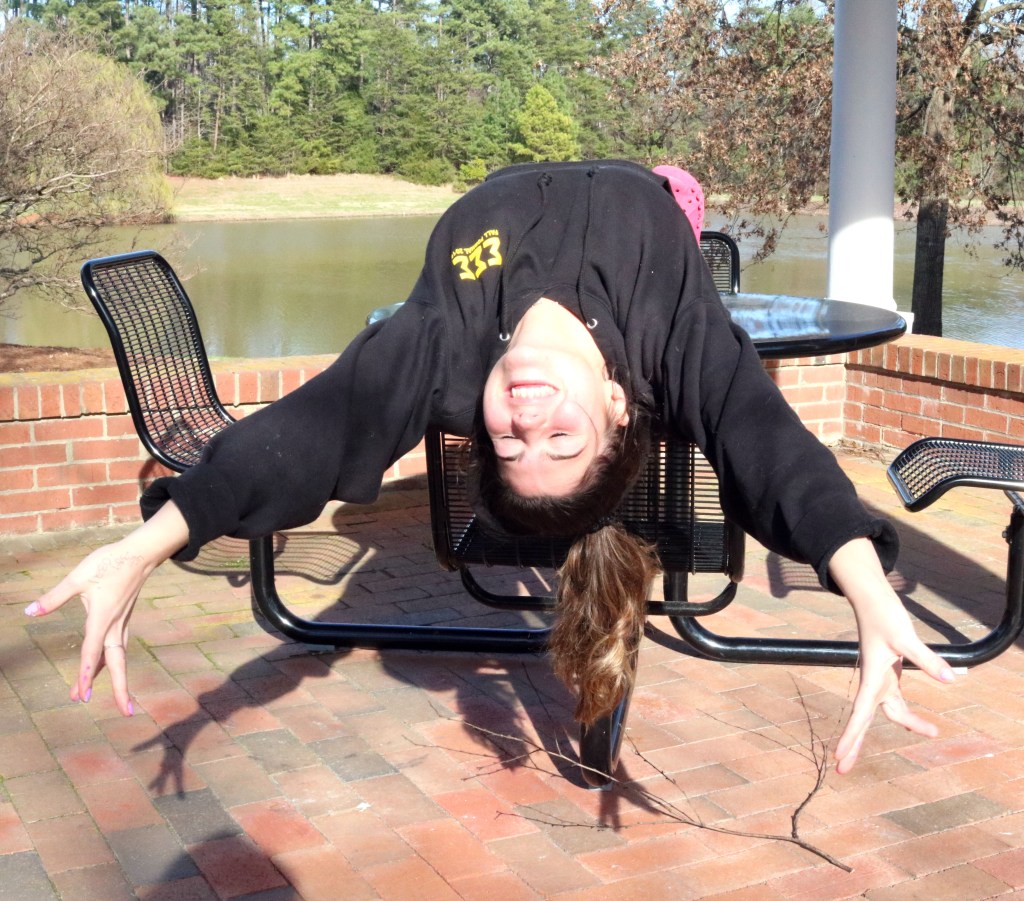
In this image, it was important for me to crop out the unnecessary objects that were in the background to make sure she was the main focus of the picture. I achieved this by eliminating everything else I felt cluttered the image and I think it looks a lot better with her being the center of the image. I also color corrected the image to make it a little brighter without washing the image out by taking the white eyedropper tool on Photoshop and clicking the bottom of the white pole so everything around it readjusted to that color scheme.
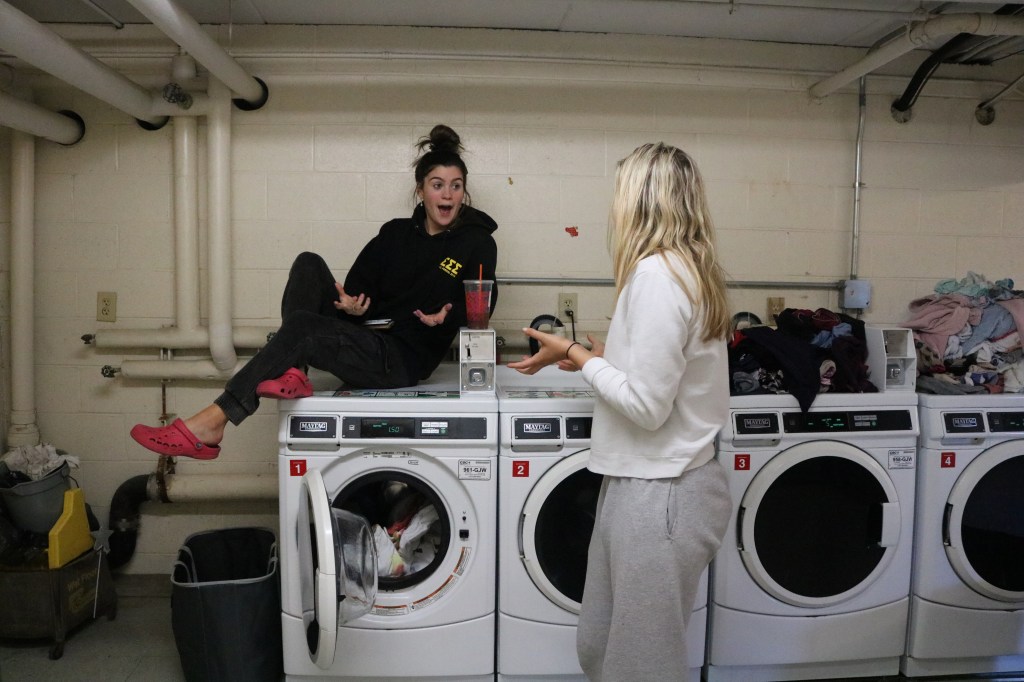
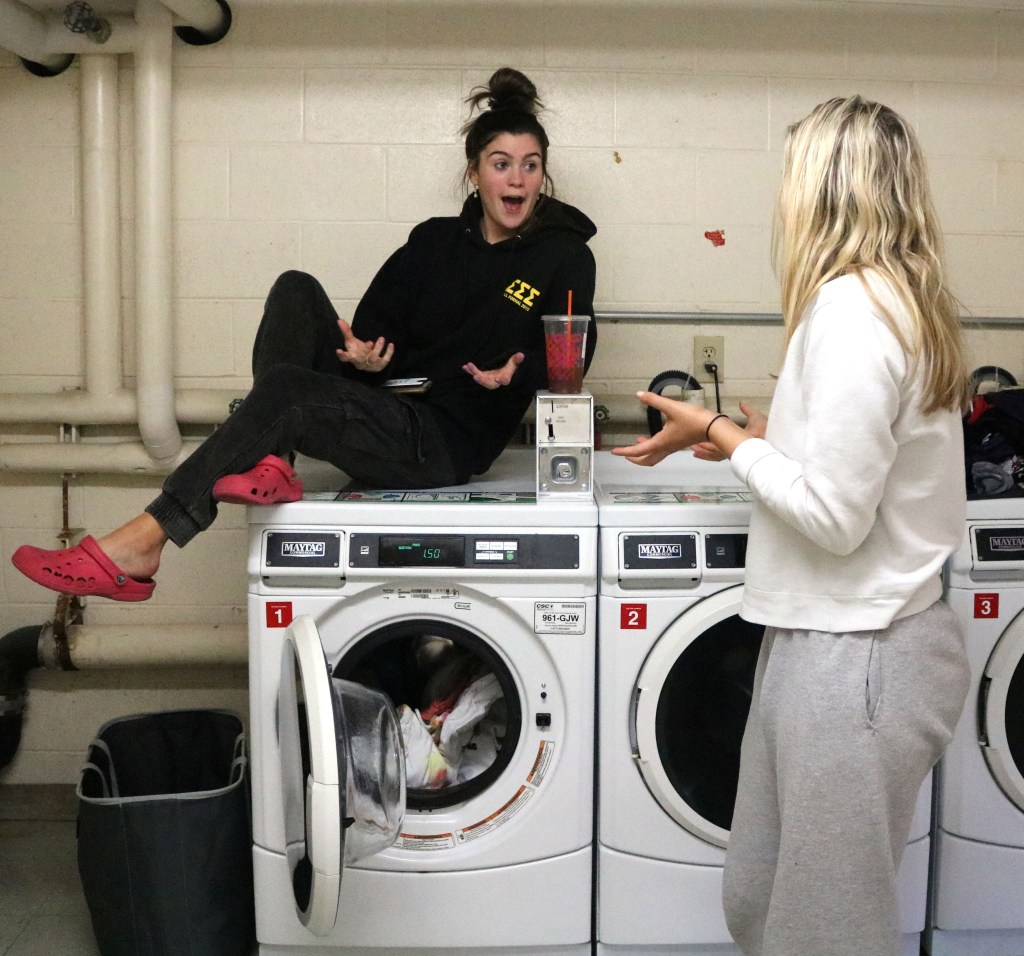
Similarly, with this image I took the same approach with the cropping technique. I felt as though all of the laundry in the background was distracting from their interaction that I wanted to be the main focus of the picture. In terms of of color correcting, I made the image slightly warmer as the lighting of the laundry room was quite harsh, which I wanted to tone down. I again, did this in photoshop by individually adjusting the Red, Blue and Green levels until I was satisfied.
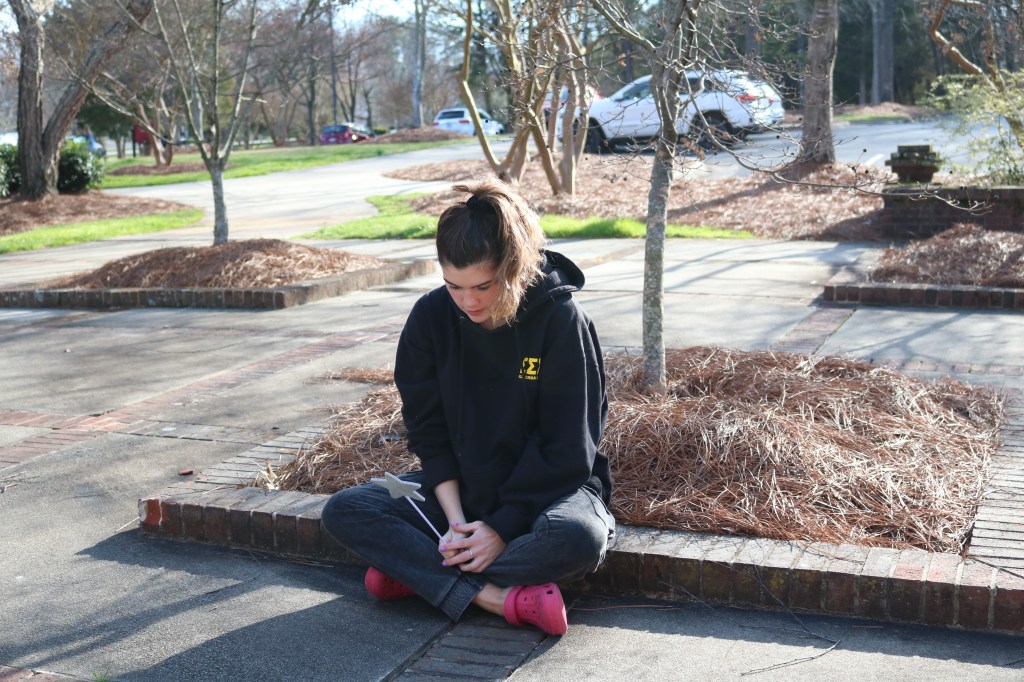
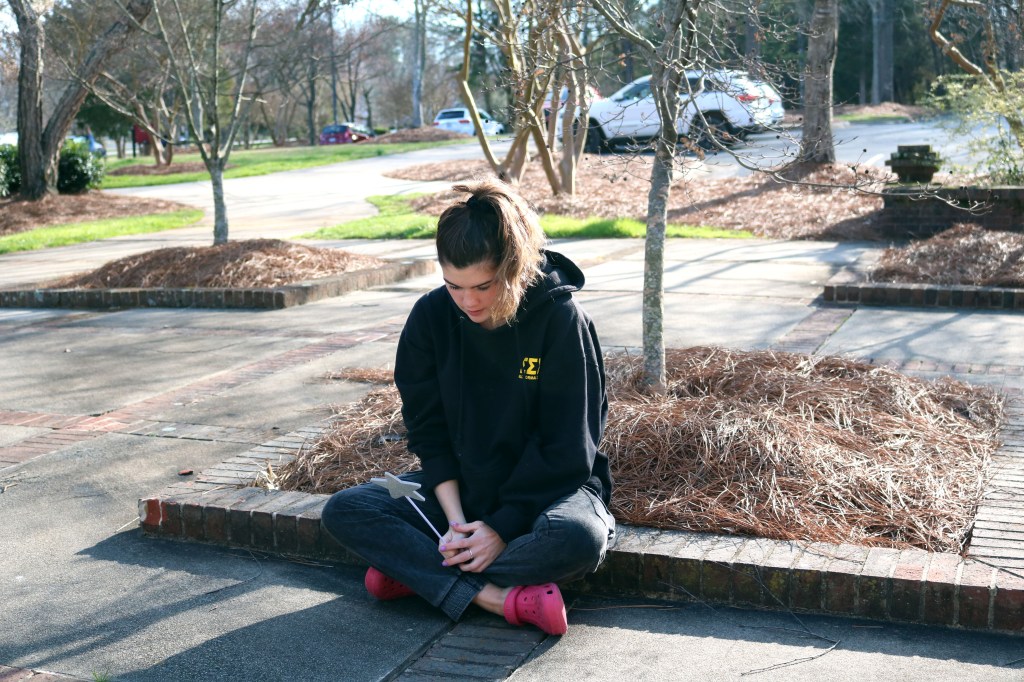
This image was adjusted just by a color correction as everything seemed a little bland, so I (surprise surprise) went in with the Levels adjuster on Photoshop and altered the Red, Green and Blue levels. This makes the colors pop more and I believes gives the photo more dimension and substance. You can tell more by looking at the color of the grass and how the green seems a lot more vibrant and bright. The added blue tones also create a different tone to the picture, which in my opinion gives it a different vibe, perhaps sadder?
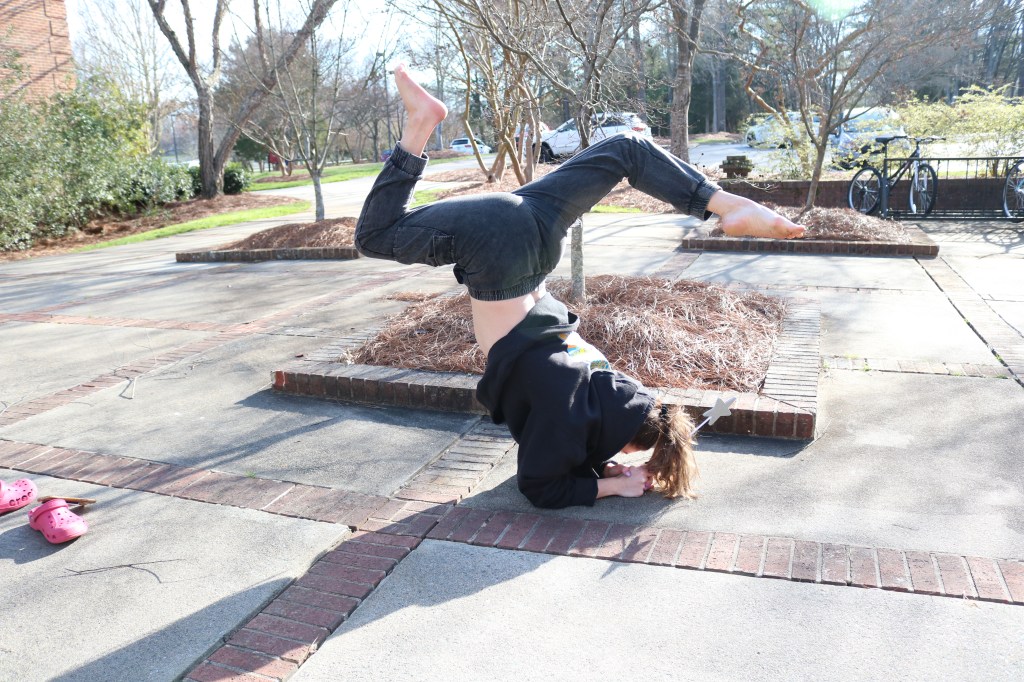
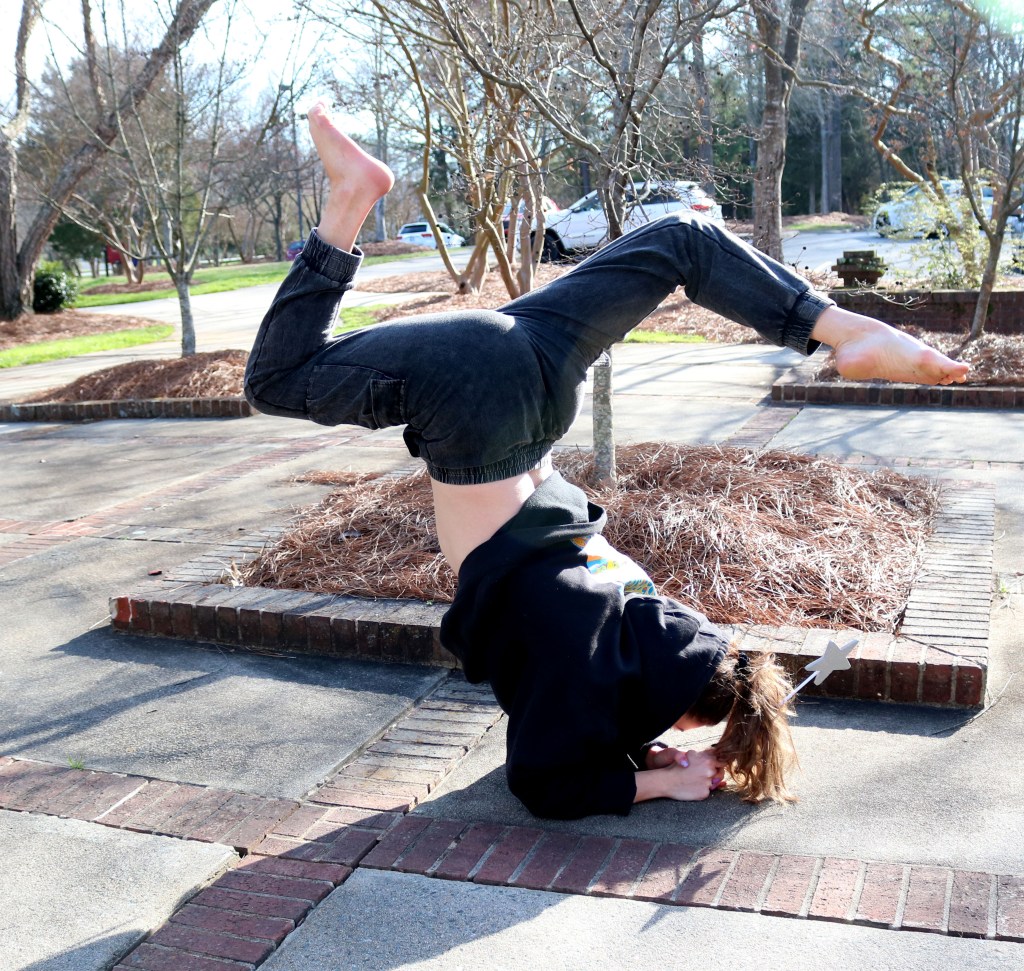
For this picture, it all seemed a little over exposed so the first thing I wanted to focus on was fixing the RGB levels to make the black in her sweatpants and sweatshirt stand out more. I also cropped the image because I felt as though small details like the wand in her hand and the detailing on the back of her sweatshirt was lost in the whole, bigger image.
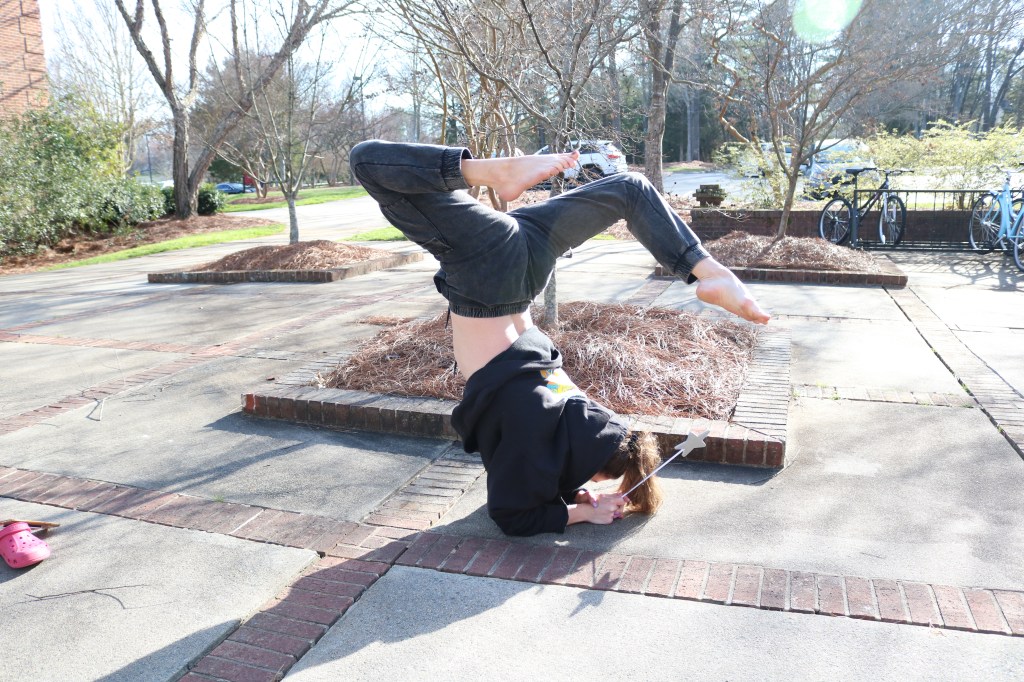
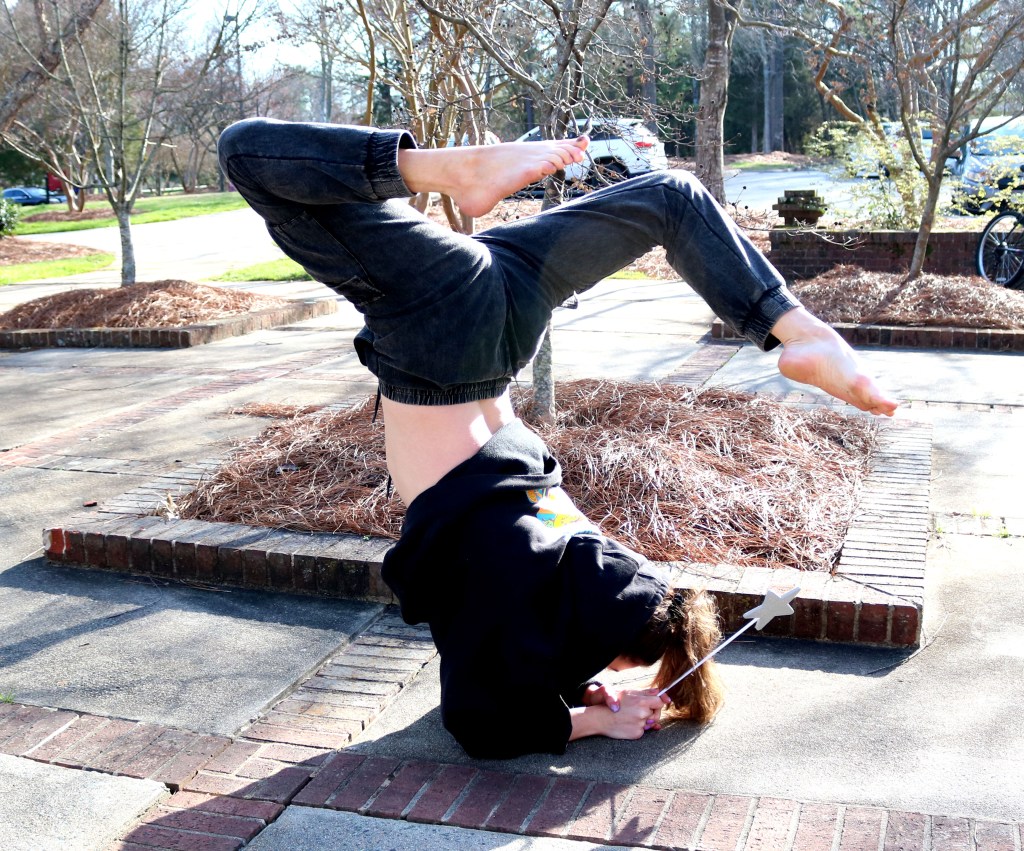
This picture is very similar to the image above so I took the same approach when editing the RGB levels and cropping.
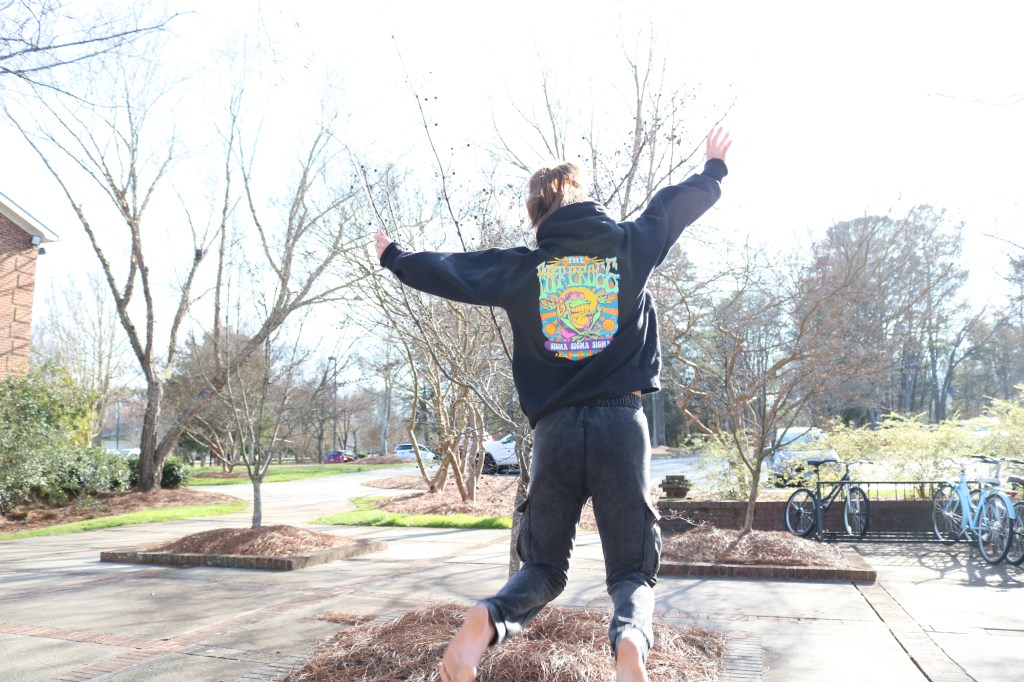
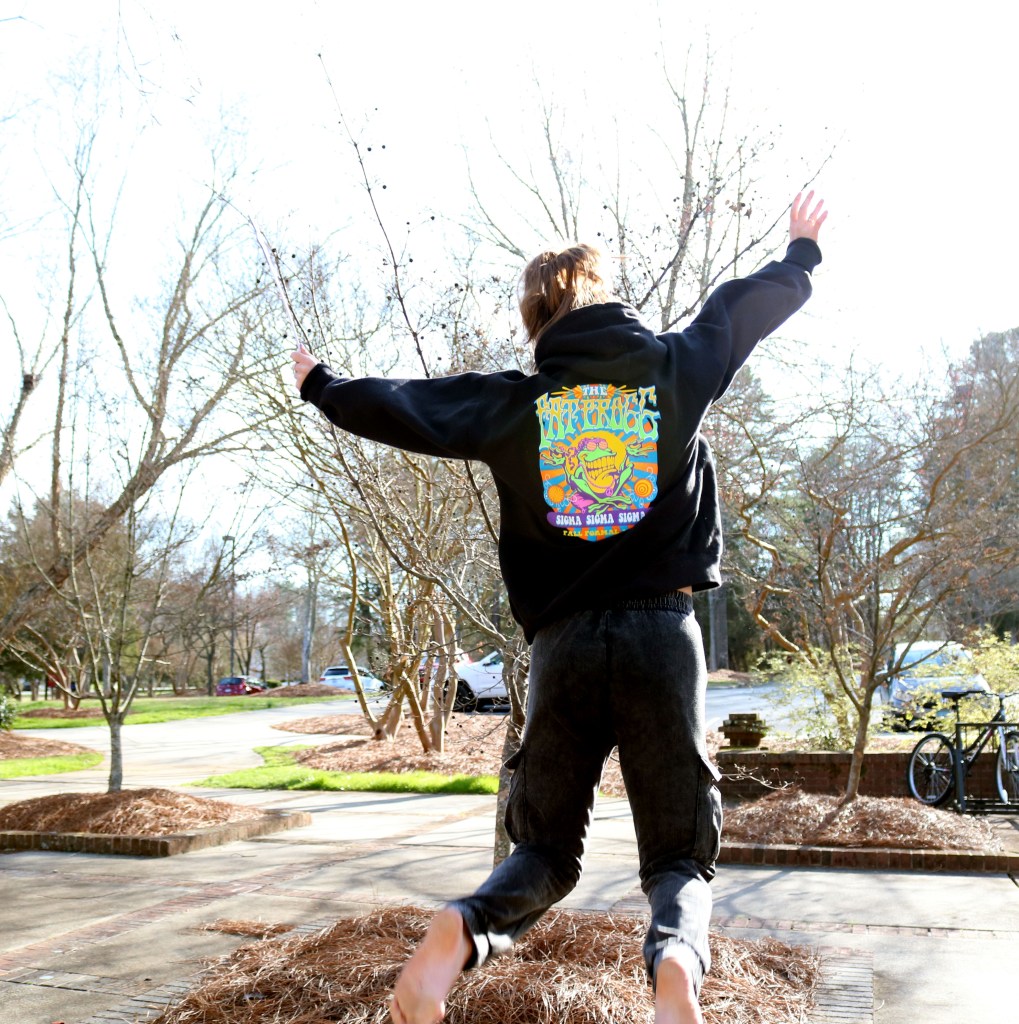
I took a slightly different approach when editing this image. Because of the amount of light in the picture, I wanted to focus in on the bright colors of her sweatshirt and the design, I took the eyedropper but used the black tool and clicked on her sweatshirt to adjust the colors that way. This adjusted all the colors well to make the image a lot less exposed and make the bright colors pop. I also cropped the photo to make her jumping the center of attention and get rid of the distracting mess in the background.

